


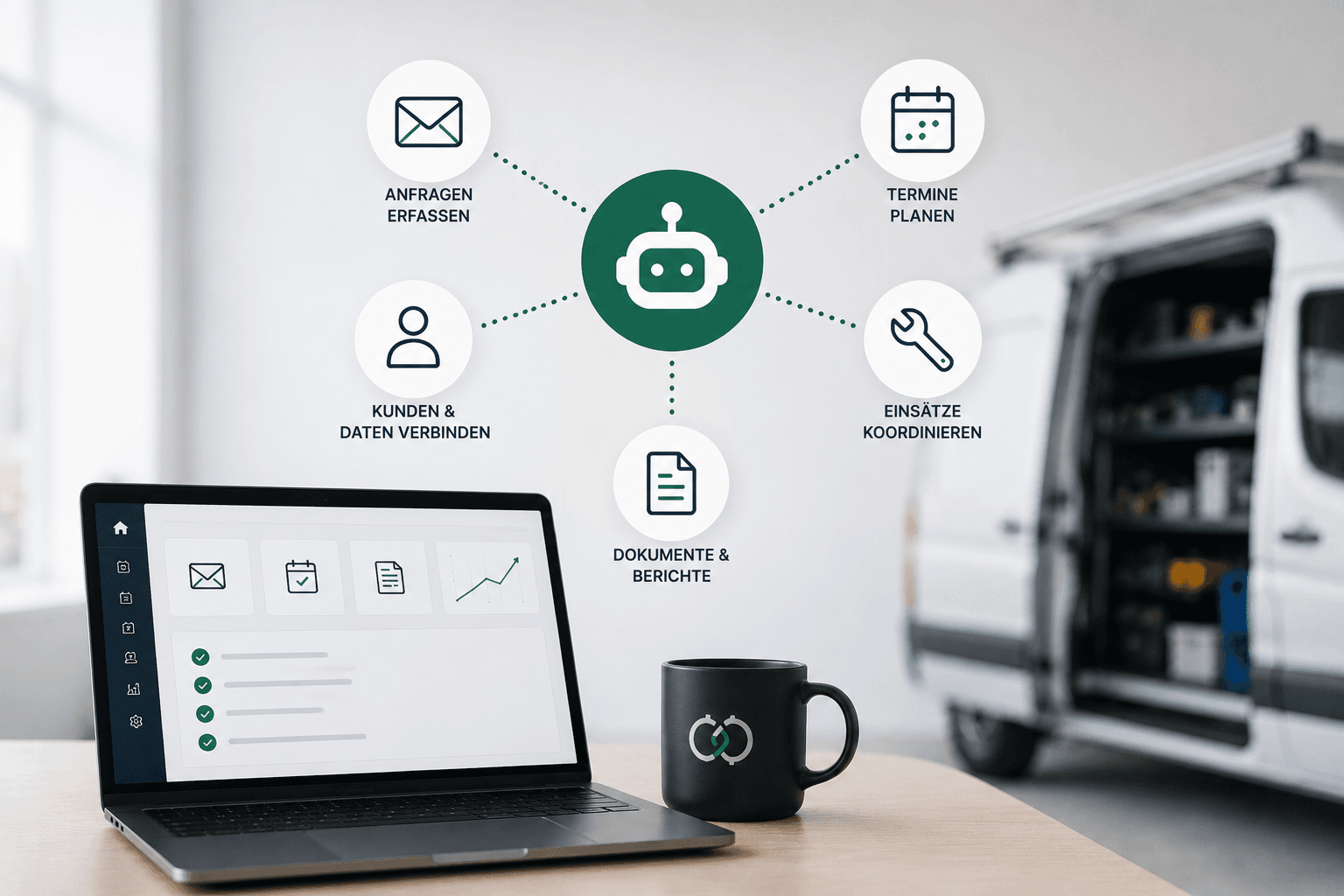
At a glance: the 6 use cases
- Capture and prioritize incoming requests automatically
- Prepare quotes faster
- Keep the maintenance business on the radar automatically
- Documentation without duplicate data entry
- Make company knowledge usable for every employee
- Follow up automatically after the job is done
The Real Problem: The Work Behind the Work
Whether plumbing and HVAC, refrigeration and air conditioning, elevator maintenance, fire protection, or machine servicing: the challenges are similar. Technicians are fully booked and order books are well filled. At the same time, the back office spends a considerable share of its time on administrative tasks.
Requests come in through various channels. Information has to be transferred from one program to the next. Quotes wait to be processed. Maintenance appointments are coordinated via calendars or Excel lists. After a job, reports and data have to be entered all over again.
That does not only cost working hours. A request left unanswered for several days may end up with a competitor. A missed maintenance appointment potentially means lost revenue. And when employees constantly have to move information between different programs, additional sources of error emerge.
“The decisive question is therefore: which of these recurring tasks really still have to be done by hand?
A Typical Example Scenario
A refrigeration and air conditioning service with around 40 employees
The company serves supermarkets, medical practices, and smaller industrial businesses. A large part of the business consists of recurring maintenance and service jobs. In the back office, new requests, fault reports, quotes, appointment arrangements, and documentation come together every day. The problem is not a lack of demand. The problem is that more and more administrative work lands on a few employees.
Instead of introducing a large new software system, individual processes can be automated in a targeted way and connected with one another. Let us look at them one by one.
1. Capture and Prioritize Incoming Requests Automatically
New requests arrive by email, contact form, or through other communication channels. Today that often means: open, read, categorize, forward, and where necessary transfer data into another program. An automated workflow can take over this preparatory work and recognize what a request is about as soon as it arrives.
Typical categories detected on arrival
- Fault report
- Maintenance request
- Quote request
- Scheduling question
- Invoice question
The request is then automatically assigned to the right category or to the responsible employee. An urgent fault report receives a higher priority than a general inquiry. In the morning, employees no longer have to sort through a full shared inbox first, but immediately see what needs their attention.
2. Prepare Quotes Faster
A request is often followed by a quote. This requires customer data to be carried over, information to be extracted from the request, suitable services to be selected, and text to be written. Here, too, AI can take over the preparatory work. A workflow reads the request, collects the relevant information, and prepares a draft quote from it. Depending on the software in place, customer data can be carried over, standard line items suggested, or a suitable cover letter generated.
“The decisive point: the quote is not sent out blindly by an AI.
An employee reviews the draft, makes changes where needed, and then approves it. Automation therefore does not replace the employee's decision. It reduces the work that comes before that decision. In this way, a process that keeps getting postponed can become a structured workflow.
3. Keep the Maintenance Business on the Radar Automatically
For many service companies, recurring maintenance is particularly valuable. At the same time, these very appointments are still partly managed via Excel lists, calendars, or personal reminders. Yet this process lends itself very well to automation. The foundation is a central customer record, meaning one place where all customer information comes together.
What comes together in the central customer record
- Customer and contact person
- installed devices or systems
- last maintenance date and interval
- complete service history
- open items
The system automatically detects when the next maintenance is approaching. It can then, for example, create a task for the back office or prepare customer communication with a proposed appointment. Employees no longer have to remember to check every single customer in time.
“An Excel list turns into an active process.
This makes recurring revenue more predictable and reduces the risk of existing customers slipping through the cracks in day-to-day business.
4. Documentation Without Duplicate Data Entry
After a service job, the administrative part often begins: maintenance protocol, inspection report, proof of performance, invoice preparation. It becomes particularly inefficient when the same information is transferred multiple times. The technician documents something on site, part of it is later transferred into the operational software, and afterwards the same information ends up once again in a report or on the invoice.
Automation can connect these steps with one another. Data is captured once in a structured way and then passed on to wherever it is needed. From the captured information, a standardized service report can be prepared automatically, for example. This saves time and at the same time reduces transfer errors.
5. Make Company Knowledge Usable for Every Employee
In many businesses, valuable knowledge does not sit in a database but in the heads of individual employees. Which spare part was last used on this system? How was a particular fault solved two years ago? What is special about this customer? Where is the right technical documentation?
An internal AI knowledge assistant can make existing information from approved sources searchable.
Manuals and documentation
Technical documents on systems, devices, and spare parts become specifically searchable
Internal instructions
Documented workflows and guidelines are available to every employee
Service reports
Past jobs provide the context for how a problem was solved before
Customer information and histories
Specifics per customer and system can be found without asking a colleague
An employee asks a question and receives an answer based on this company information. Ideally, the sources used are displayed alongside the answer. In addition, clear rules can be defined for how the system should handle missing or uncertain information. This makes experience-based knowledge more accessible, and new employees do not have to interrupt an experienced colleague for every standard question.
6. Follow Up Automatically After the Job Is Done
Once the service job is completed, the case is often not closed yet. Invoicing, payment receipt, and ideally a friendly follow-up still lie ahead. But that is exactly what easily gets lost in day-to-day business. Automation helps here as well.
What can be prepared automatically after completion
- a thank-you message asking for a review
- the reconciliation of incoming payments with the invoice
- a timely reminder about outstanding amounts
The result: more reviews, faster incoming payments, and fewer forgotten open items, without anyone in the office having to chase them by phone.
The Basic Principle: Connect Existing Systems Instead of Replacing Everything
When it comes to automation, many companies first think of a large IT project: new software, data migration, training, high costs. In many cases, exactly that is not necessary. The most useful automations often emerge between the programs that are already in place.
A typical data flow
Email → automatic categorization → customer record → operational software → calendar → accounting
Via interfaces, existing applications can communicate with one another without a person transferring the data by hand. It is precisely these transitions between two programs that are an underestimated time drain in many companies.
What Could the Workflow Look Like Afterwards?
Let us take a new maintenance request as an example.
08:14 AM
A customer request arrives by email.
08:14 AM
The system automatically identifies the customer, the request, and its urgency.
08:15 AM
The case is created in the customer record and assigned to the right employee.
08:16 AM
Relevant customer and system data is added from the existing programs.
08:17 AM
A draft reply or quote is prepared.
08:25 AM
The employee reviews the case and approves the next steps.
Instead of gathering information from several programs and transferring data manually, the employee focuses on what genuinely requires a human decision. That is precisely where the real benefit of automation lies.
People Remain Part of the Process
Not every process should be fully automated. Especially for quotes, financial decisions, safety-relevant matters, or customer communication, there should be clear approval points. AI mainly takes over routine there: reading, structuring, searching, preparing, transferring, and reminding. People take over where experience, responsibility, and judgment are required.
The result is not an autonomous system making uncontrolled decisions, but a digital process that supports employees in their day-to-day work.
A Word on Data Protection
For many businesses, the first question is what happens to their data. Set up sensibly, the data stays in your own systems, and access is limited to what the respective process actually needs. We set up automations so that traceability and careful handling of data are considered from the outset. The legal specifics of an individual case are best clarified with your own data protection officer.
Where Should a Company Start?
Not with the question “Where can we use AI everywhere?”, but with “Which recurring task costs us an unnecessary amount of time every week?”. That could be sorting requests, preparing quotes, documentation, maintenance planning, or the manual transfer of data between two programs.
A clearly defined process can be analyzed, automated, and then measured. If this first process works reliably, the next one can follow. Step by step, this creates an automation landscape that fits the company, instead of a large IT project that misses the reality of daily work.
Frequently Asked Questions
Do we have to switch our existing software for AI automation?
Usually not. Sensible automations build on the programs already in place and connect them via interfaces instead of replacing them.
How long does it take until a first automation is running?
A clearly defined, single process is often ready to use within a few weeks. Larger workflows then grow on top of it step by step.
Does the AI make important decisions on its own?
No. The AI takes over routine work and prepares suggestions. Important commitments such as a binding quote are always approved by a person.
What happens to our data?
Set up sensibly, the data stays in your own systems, and access is limited to what the respective process actually needs.